Adjust & Filters
Fine-tune brightness, contrast and saturation, or apply a one-tap filter. Processed privately in your browser.
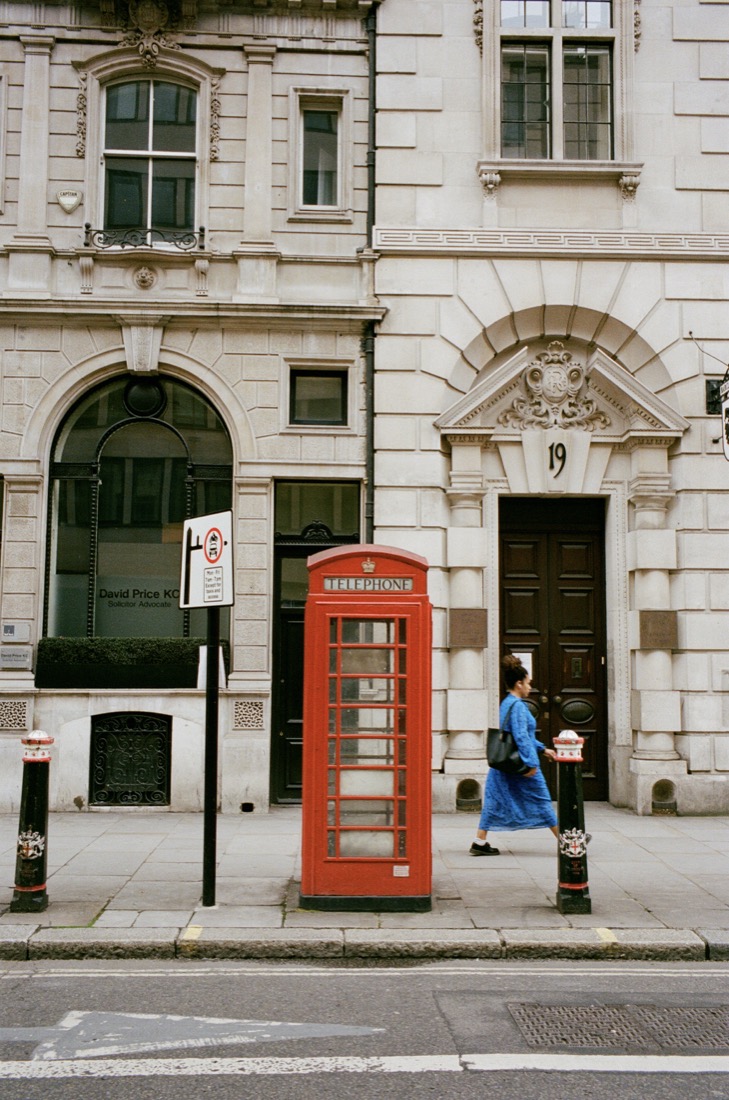
Live example
Drag the slider to compare — a real result.
Drag & drop an image
or click to browse · JPG, PNG, WebP, HEIC
Drag & drop images
or click to browse · up to 100 at once · JPG, PNG, WebP, HEIC
Tips for the best results
- Nudge contrast and saturation in small steps — a little goes a long way and keeps photos looking natural.
- Raise brightness slightly for dull indoor shots; lower it to recover detail in bright, washed-out photos.
- Apply one consistent filter across a batch so a set of photos looks cohesive.
Frequently asked questions
Is the photo editor free?
Yes — editing a single image is free. Batch editing is paid.
Are my photos uploaded?
No. Every tool runs entirely in your browser — your images are processed on your own device and never uploaded to a server.
Can I apply the same edits to many photos?
Yes. Switch to Batch mode to process up to 100 images at once and download them as a single ZIP. Single images are free; batches are priced per image (from $0.08/image).
What can I adjust?
Brightness, contrast and saturation, plus one-tap filters — all previewed live before you export.